Thanks
Linux Tutorial and something else…..
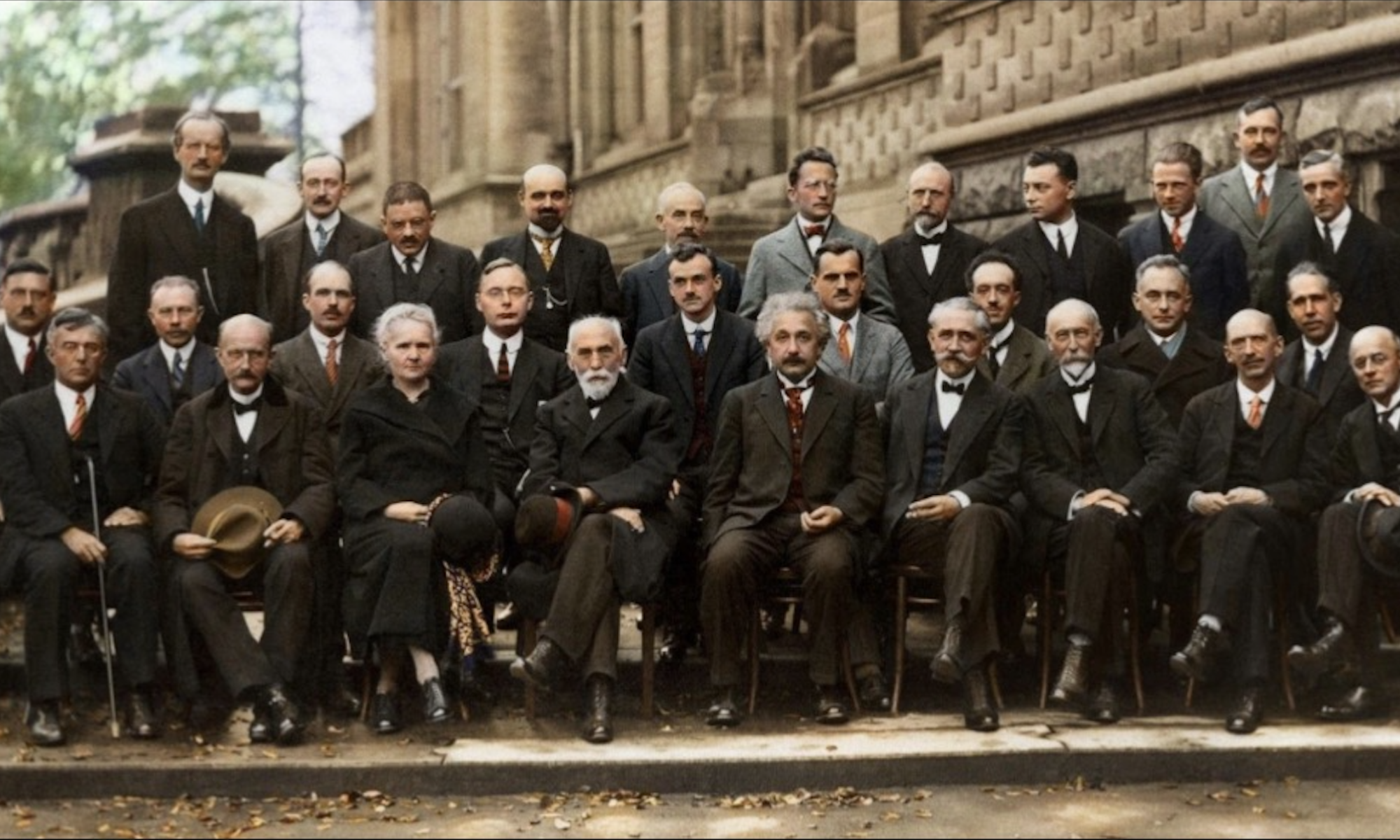
I don't know what's the matter with people: they don't learn by understanding, they learn by some other way — by rote or something. Their knowledge is so fragile! (Feynman). Auguste Piccard, Émile Henriot, Paul Ehrenfest, Édouard Herzen, Théophile de Donder, Erwin Schrödinger, Jules-Émile Verschaffelt, Wolfgang Pauli, Werner Heisenberg, Ralph Fowler, Léon Brillouin. Peter Debye, Martin Knudsen, William Lawrence Bragg, Hendrik Anthony Kramers, Paul Dirac, Arthur Compton, Louis de Broglie, Max Born, Niels Bohr. Irving Langmuir, Max Planck, Marie Curie, Hendrik Lorentz, Albert Einstein, Paul Langevin, Charles-Eugène Guye, Charles Thomson Rees Wilson, Owen Willans Richardson.
from here you can find the link below update d https://documentation.wazuh.com/current/quickstart.html
curl -sO https://packages.wazuh.com/4.8/wazuh-install.sh && sudo bash ./wazuh-install.sh -a -i -o
curl -k -u admin:XXXX “https://127.0.0.1:9200/_cat/indices?v”
curl -k -u admin:XXXX “https://127.0.0.1:9200/_cluster/allocation/explain?pretty”
curl -u admin:XXXX –cacert /etc/wazuh-indexer/certs/root-ca.pem https://localhost:9200
curl: (51) Unable to communicate securely with peer: requested domain name does not match the server’s certificate.
curl -u admin:XXXX –cacert /etc/wazuh-indexer/certs/root-ca.pem https://127.0.0.1:9200
vim /etc/hosts
/var/ossec/bin/manage_agents
check the update of the rules or database vulnerability
/var/ossec/bin/wazuh-control restart
/var/ossec/bin/wazuh-modulesd -f
response=$(curl -s -X GET https://cti.wazuh.com/api/v1/catalog/contexts/vd_1.0.0/consumers/vd_4.8.0)
echo “$response” | jq -r ‘.data.last_snapshot_link’
echo “$response” | jq -r ‘.data.last_snapshot_at’
here to check the correct procedure
https://documentation.wazuh.com/current/user-manual/capabilities/vulnerability-detection/offline-update.html